Why Is Data Backup Important? A 2026 Guide for Businesses
Data loss is a "when," not an "if." Here's why data backup is critical for your business, what threatens your files, and how the 3-2-1 rule protects you
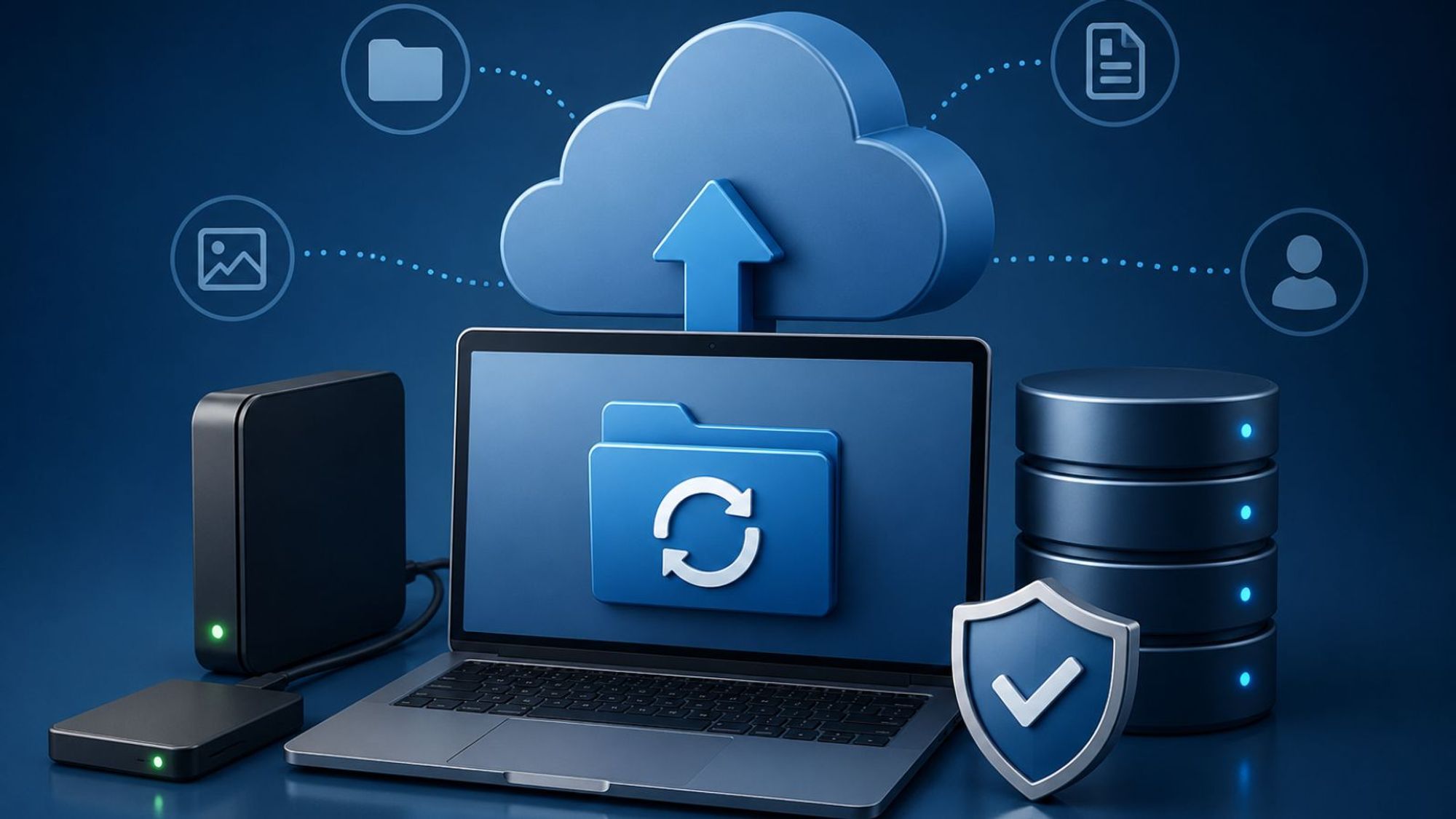
"It won't happen to us." That's the thought running through most business owners' minds right up until the moment a laptop dies, an employee deletes the wrong folder, or ransomware locks every file the company owns. By then, it's too late. The data is gone, and so is the chance to have protected it.
Here's the uncomfortable truth: data loss isn't a question of if. It's a question of when. Hardware fails. People make mistakes. Attackers specifically hunt for businesses that left the door open. And the cost of being caught unprepared is brutal. A large share of small businesses that suffer serious data loss never reopen.
The reassuring part? This is one of the most preventable disasters out there. A solid data backup plan turns a potential company-ending event into a minor inconvenience. In this guide, we'll cover exactly why data backup matters, what actually threatens your files, why your cloud apps aren't the safety net you think they are, and the simple rule that keeps your business safe. Let's make sure "when" doesn't become "the end."
Why Is Data Backup Important?
Data backup is important because it's the only thing standing between a routine problem and a permanent loss. A backup is a separate, secure copy of your information that you can restore if the original is lost, corrupted, or held hostage. Without it, a single bad day can erase years of work.
Think about what lives on your systems: customer records, financial files, contracts, project history, the business data you rely on to make decisions every day. That information is the lifeblood of your operation. Lose it, and you're not just losing files. You're losing the ability to run.
The short answer
If something destroys your primary data and you have no backup, that data is gone for good. A backup means you can rebuild in hours instead of starting from zero, or shutting down. It's the difference between a setback and a catastrophe.
What's actually at stake
The stakes are existential, not theoretical. A majority of small businesses that lose their data shut their doors within six months. Beyond the raw data, you're risking customer trust, regulatory penalties, and a reputation that took years to build. This is exactly why security matters so much for small businesses, because smaller operations rarely have the cash cushion to absorb a major loss.
What Causes Data Loss?
Data loss comes from more directions than most people expect. It's rarely a single dramatic event. More often it's a quiet failure you didn't see coming.
Cyberattacks and ransomware
This is the fastest-growing threat. Ransomware locks your files and demands payment to release them, and modern attackers now go after your backups too, trying to destroy your safety net before they strike. A strong backup, especially an offline or immutable one, is your best defense, and it pairs well with broader cyber security solutions that keep attackers out in the first place.
Human error
The most common cause is also the most ordinary. Someone deletes the wrong file, overwrites a document, or formats the wrong drive. No malice, just a slip. Human error accounts for a huge share of data loss incidents, which is why "be more careful" is not a data backup strategy. People will always make mistakes. Backups forgive them.
Hardware failure and disasters
Drives wear out. Laptops get dropped, stolen, or soaked. Offices flood, catch fire, or lose power at the worst moment. Any of these can wipe out data stored in only one place. That's the core lesson behind every good backup plan: never let one event be able to destroy everything.
Doesn't the Cloud Back Up My Data Already?
This is the single most dangerous assumption in business technology, and it catches owners constantly. The short answer is no, not the way you think.
The shared-responsibility gap
When you use a tool like Microsoft 365 or Google Workspace, the provider keeps the service running. But recovering your data is your responsibility, not theirs. Most SaaS agreements include explicit disclaimers about data loss. If an employee deletes critical records, an integration corrupts your files, or a bad migration wipes out months of work, the platform is under no obligation to get it back for you.
Why SaaS data needs its own backup
A large majority of businesses using SaaS apps have already lost data from those platforms, and most don't have an independent copy. The fix is simple: back up your cloud apps separately, the same way you'd back up files on a local server. Understanding the security tradeoffs of cloud vs local storage helps you decide where those independent copies should live.
What Is the 3-2-1 Backup Rule?
The 3-2-1 backup rule is the gold-standard framework for protecting data, and it's refreshingly easy to remember. It's endorsed by major security agencies and has held up for nearly two decades because the logic is bulletproof: never put all your eggs in one basket.
Three copies, two media types, one offsite
The rule breaks down into three parts. Keep three copies of your data: the original plus two backups. Store them on two different media types, such as a local drive and cloud storage, so a failure affecting one type can't kill both. And keep one copy offsite, geographically separate, so a fire or flood at your location doesn't take out everything at once. Follow those three and no single event can erase your business.
The modern 3-2-1-1-0 upgrade
Because ransomware now targets backups directly, security pros have extended the rule to 3-2-1-1-0. The extra "1" is one immutable or air-gapped copy that attackers can't alter even with stolen credentials. The "0" means zero errors, verified by actually testing your restores. For any business serious about ransomware resilience, this upgrade is worth the effort.
Data Backup Best Practices for 2026
Having a data backup is step one. Making sure it actually works when you need it is what separates real protection from false confidence.
Test your restores
A backup you've never tested is a guess, not a safeguard. The worst time to discover your backup is corrupted is during an actual emergency. Test a restore at least monthly, confirm the files come back clean, and document the process so anyone on your team can run it under pressure.
Automate, encrypt, and include SaaS data
Manual backups get skipped, so automate them on a schedule. Encrypt your backup data so a stolen copy can't be read. Include your SaaS apps in the plan, not just your local files. And fold all of this into your wider security routine, alongside a complete website security checklist, so your data protection and your defenses work as one system.
Frequently Asked Questions
How often should I back up my data?
It depends on how much data you can afford to lose. For most businesses, daily automated data backups are the baseline, and critical systems may warrant continuous or hourly backups. Ask yourself: if I had to rebuild from my last backup, how much work would I lose? Set your frequency to make that answer comfortable.
What's the difference between backup and disaster recovery?
A backup is a copy of your data. Disaster recovery is the full plan for getting your business running again after an outage, including how fast you restore, who does what, and which systems come back first. Backup is one piece of disaster recovery. You need the copy, but you also need the plan to use it.
Is cloud backup enough on its own?
Cloud backup is excellent, but relying on a single cloud copy breaks the 3-2-1 rule. Cloud storage satisfies the "offsite" requirement only when it's paired with at least one other copy on a different medium. The strongest setups combine local and cloud backups so no single point of failure can wipe you out.
The Bottom Line
Data loss is one of the few business disasters you can almost completely prevent, and yet it ends companies every single day. The pattern is always the same: an owner assumed it wouldn't happen, skipped the backup, and paid the ultimate price. A reliable data backup plan flips that story entirely, turning what could be a closure event into a quick recovery.
Start with the 3-2-1 rule. Keep three copies, on two media types, with one offsite. Automate it, test your restores, and include your cloud apps. Your data is too valuable to leave to luck.
Want to make sure your business is truly protected? Book a consultation with Bytes Platform and let's build a data backup and recovery plan that keeps you running no matter what hits.